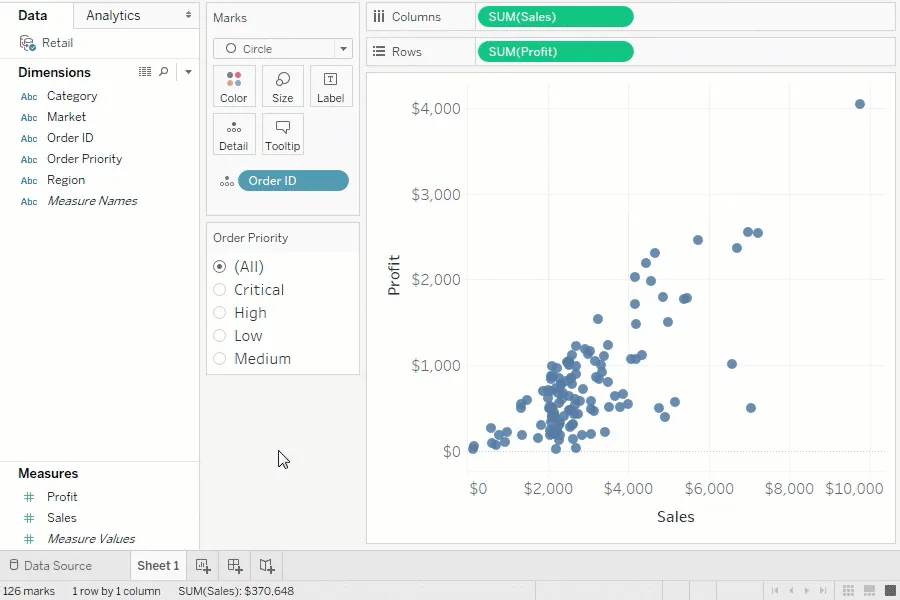
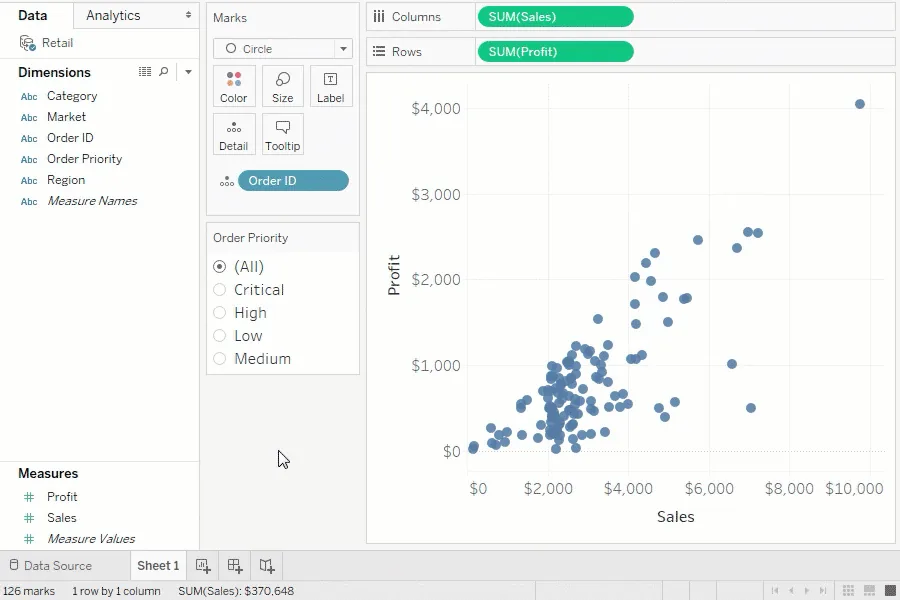
Tableau Desktop* is a core tool for analysts. It provides data connection and modeling capabilities. It includes predefined database, text, mathematical, and logical operations for selected database data. Users can also create advanced custom calculations and integrate analyses with R. Visualization types follow best practices, while straightforward dashboard development, automatic refreshes, and report sharing through server publication provide control and analysis of the company’s most important metrics. The tool serves both analysts and business users who want to prepare their own reports.
*Tableau Desktop is available with a Creator license.
How we use Tableau Desktop
- Connecting data.
- Creating advanced reports.
- Using advanced analytics features.
- Sharing content and assigning permissions.
- Automating reporting.